Assets & program
Asset records
One record per piece of gear with identity, location, and history.
Demo video
Live click-through recording from the Nimvolt app. Clip and share on social when ready.
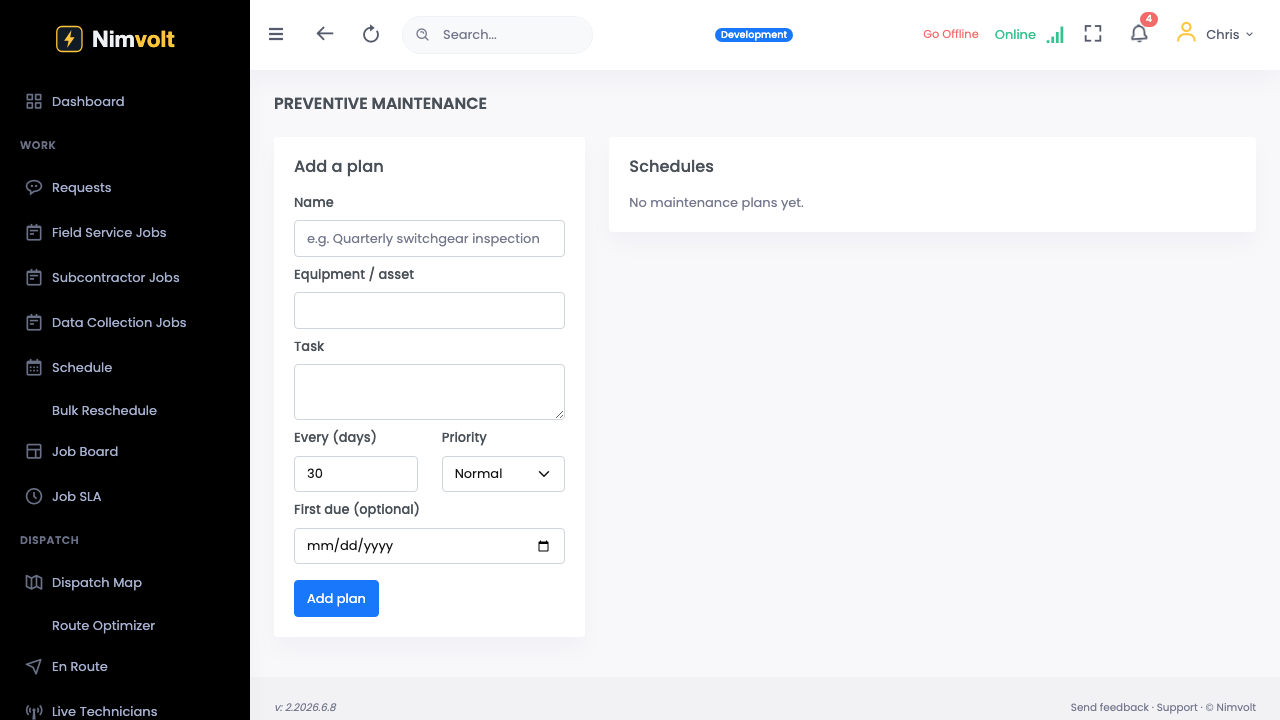
Screenshots


How to use it
- Create or import the asset (or accept Volt AI nameplate fields).
- Set location hierarchy (site → building → gear).
- Attach forms, intervals, and documents.
- Open history anytime for prior tests and findings.
Tips
- Normalize naming (tag IDs) early — reports stay searchable for years.